
Requirements
macOS 13+
Apple Silicon or Intel. ADE ships as a signed, notarized macOS app.
Git
Required — ADE uses branches and worktrees to run lanes.
One AI provider
Needed to run agents. Connect it after launch — guest mode lets you explore first.
Install
The fastest path is Homebrew. Prefer a download? Grab the DMG from GitHub Releases.Homebrew (recommended)
Homebrew (recommended)
/Applications. Update later with:Download the DMG
Download the DMG
- Open GitHub Releases and download the latest ADE macOS
.dmg. - Open the DMG and drag ADE.app into
/Applications. - Launch ADE from
/Applicationsor Spotlight. If macOS asks for confirmation, choose Open.
Install the iOS companion
Install the iOS companion
Open TestFlight on your iPhone and install ADE Mobile. Pair it after the Mac app is running from the desktop Mobile control.
Launch and explore
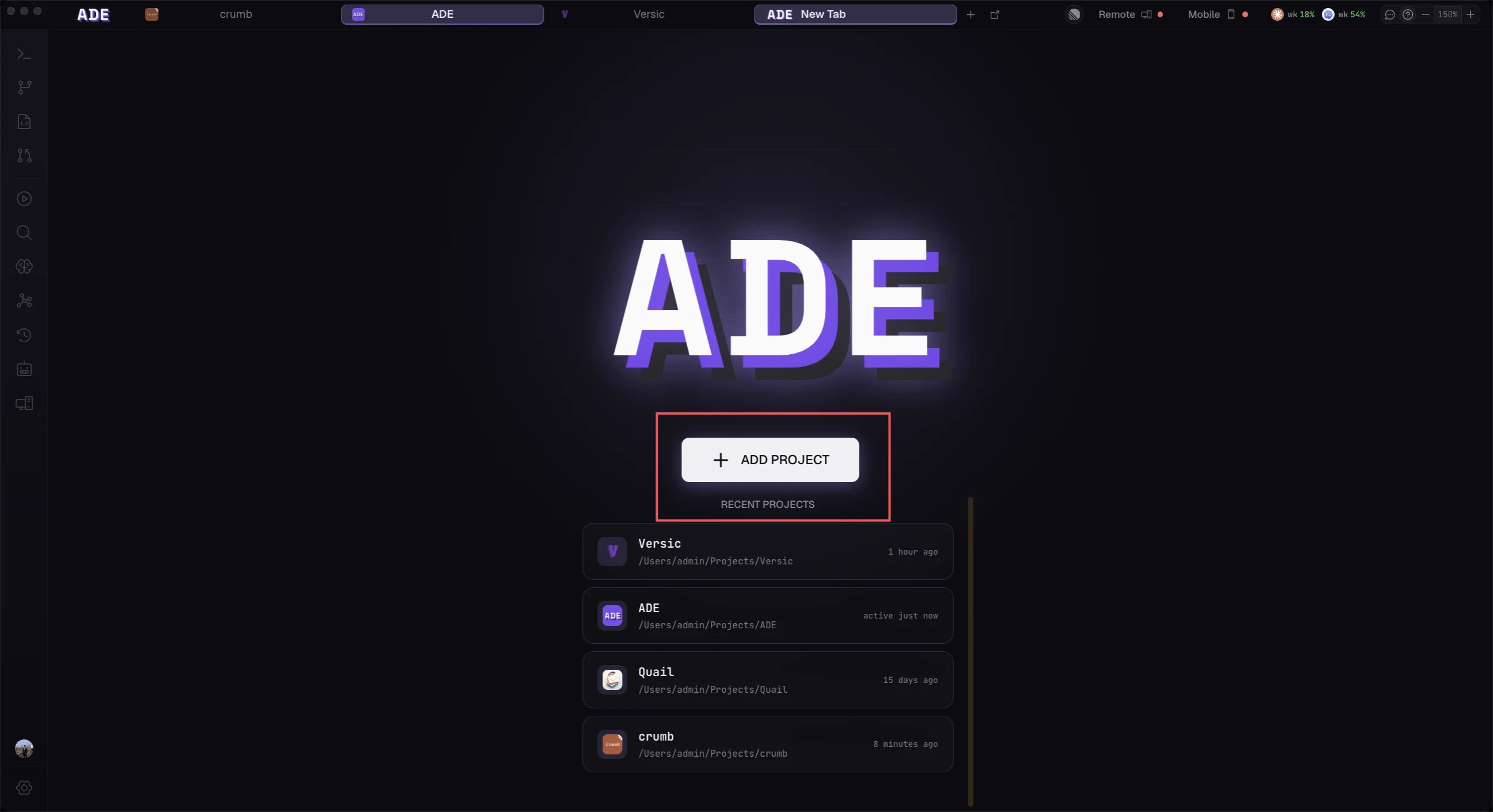
Open ADE and you land on the welcome screen. ADE starts in guest mode — no sign-up, no account — so you can add a repository and look around right away. Connect a provider whenever you’re ready to run agents.ADE keeps itself current with a built-in auto-updater: it downloads new releases in the background and applies them on relaunch. Installed via Homebrew? Run
brew upgrade --cask ade instead.ADE’s desktop app is macOS-only today. The iOS companion is available through TestFlight. A Windows build is paused — releases ship for macOS.
Next
Connect a provider
Add Claude Code, Codex, Cursor, Factory Droid, or OpenCode.
Open a project
Point ADE at the Git repository you want it to manage.